

Docs go stale when they live away from the code. Today the spec lives in a doc app, the code lives in GitHub, engineers get a Slack link, read it once, and build from the ticket — then the product moves on and the doc describes something that no longer exists.
specgit is the PM-friendly layer on top of GitHub. You write the spec like a regular doc. Engineers review it as a pull request — same flow, same tools, same habits. Every update is a commit. Every discussion is on the record. The doc sits where engineers and AI coding agents already look.
How it works
Saves are commits
Comments are PR review threads
Publish is a merge
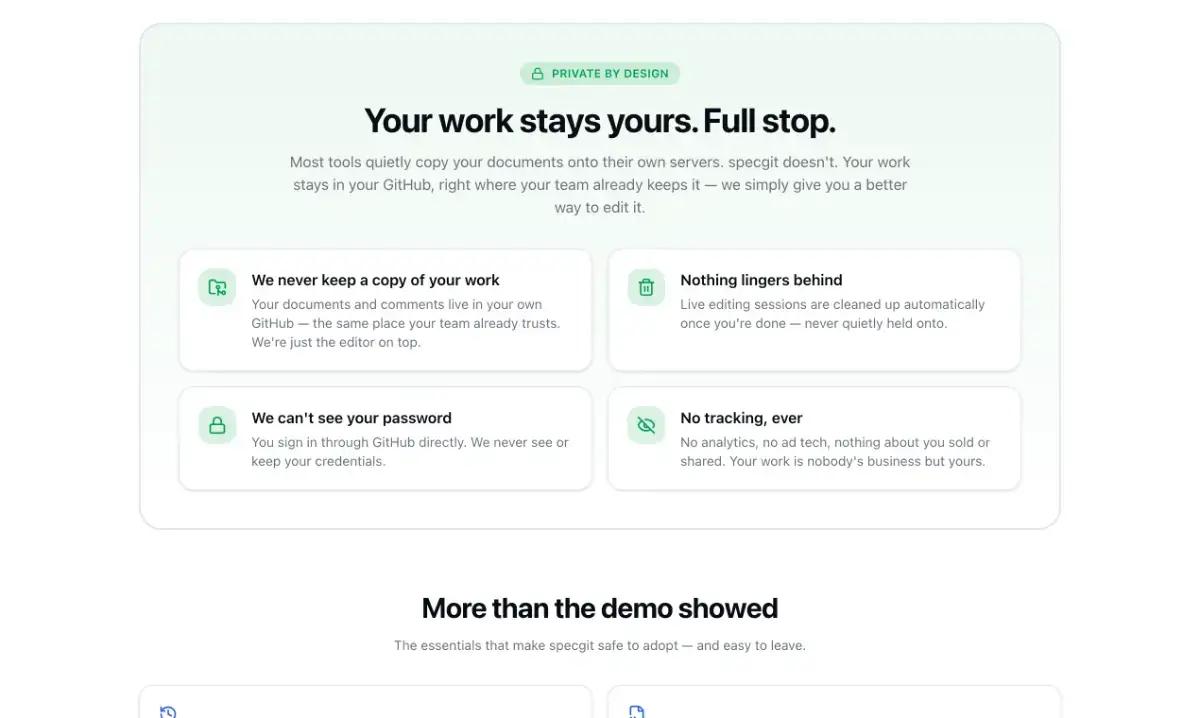
Docs never leave your GitHub.
Write without Git or Markdown
Visual editor — format docs without learning Markdown or Git
Inline comments — highlight text to start review conversations
Live collaboration — edit together in real time
Full history — every change is a commit; undo back to any point
Starter templates — product spec, backlog tracker, decision record, meeting notes, agent instructions
Import Word, PowerPoint, Excel, and PDF (via Microsoft’s MarkItDown)
Obsidian-flavored Markdown — wiki links, embeds, callouts, highlights, footnotes, LaTeX, frontmatter, task lists, Mermaid; unrecognized syntax preserved byte-for-byte
View changes — Word-style redlines of the working draft against main
Images paste/drop into the doc and live in the repo
GitHub-native review
When a repo requires approving reviews, specgit shows exactly what’s needed (“needs 2 approving reviews — 1 so far”), lets authors request review from the publish menu, and lets reviewers approve or request changes in specgit. “Publish when approved” publishes automatically when approval lands. Works with branch protection and repository rulesets.
specgit AI (optional)
Agent chat edits with you, Review leaves inline comment threads, Triage works through open feedback — by text or voice. AI only runs when you invoke it. Every proposed change waits for your approval. Content is never used to train models. FreshSpec add-ons (autonomous doc freshness) — contact for early access.
Privacy
Documents and comments live in GitHub; specgit never keeps a long-term copy
No analytics, ad tracking, or third-party tracking scripts
Sign-in is the specgit GitHub App — fine-grained, repo-by-repo, short-lived tokens; no separate password
Pricing
Free — $0. Unlimited collaborators, 1 repo, 5 publishes/month. No credit card.
Pro — $8/seat/month. Unlimited repos and publishing.
Pro Plus — $16/seat/month. More included AI usage.
Viewing and commenting are always free.
Try the real editor on the homepage — no sign-up needed: https://specgit.com